
Address
500 SW 116th Ave
Portland, OR 97225

About Corios
What does Corios do?
Corios is a SAS migration specialist. Its proprietary platform, Corios AMP (Analytics Modernization Platform), migrates SAS code, data, and users to modern cloud platforms for enterprises. Corios AMP is a complete migration stack: a Scanner that reads every line of your SAS estate, a Translator that converts it to open-source code, a Validator that proves the results match your SAS output, the Corios Academy (a self-paced course that teaches SAS programmers open-source languages and best practices for the new environment), and Corios Amplify, which enhances your workloads, not just moves them. Translation is deterministic and rules-based, with purpose-built AI on top, and Corios automates ~100% of it.
About Dataiku
What is Dataiku and what does it do?
Dataiku is the universal AI platform. It gives data teams, analysts, and business users one place to build, deploy, and govern analytics, machine learning, and AI agents. Dataiku calls itself the Universal Platform for AI Success.
Dataiku can run on its own. Many teams pair it with a cloud data platform such as Snowflake or Databricks, where the data lives and the heavy processing runs. Corios migrates SAS to either setup. Which one fits depends on your estate, and the scan sets the plan.
How it works
How does a SAS to Dataiku migration work?
Corios migrates legacy SAS code, data, and users to Dataiku with Corios AMP, its automated SAS migration platform. A SAS to Dataiku migration has two phases with one clean handoff. Corios runs the first. Your teams own the second.
Corios is a Dataiku partner. Dataiku has recognized Corios with its 2025 Partner of the Year, AMER Innovator award and its 2026 AI Success Frontrunner Award.
The Corios AMP process
What does Corios do, step by step?
Why does a SAS migration still need validation?
Translation is the visible part of a migration, and it is only about 10 percent of the effort. Corios automates ~100% of translation. Then validation checks every result against SAS, so you can see that the new platform matches the old one.
Corios Amplify
What is Corios Amplify?
Corios Amplify is the part of Corios AMP that enhances and rebuilds your SAS workloads before they move. It works in three steps: Discover, Enhance, and Implement. During the scan, Amplify discovers which workloads carry real potential by grading each one against eight improvement categories. It then enhances and rebuilds the workloads that will make the most impact and shows what each one is worth. Finally, the enhanced workloads run through Corios AMP like everything else.
Amplify is optional. Migration alone gives you a validated, like-for-like estate. Amplify adds stronger code on top: workloads that are faster, safer, and easier to trust.
Recognition
Why trust Corios with a Dataiku migration?
Corios is a Dataiku partner, and Dataiku has recognized Corios in back-to-back years.
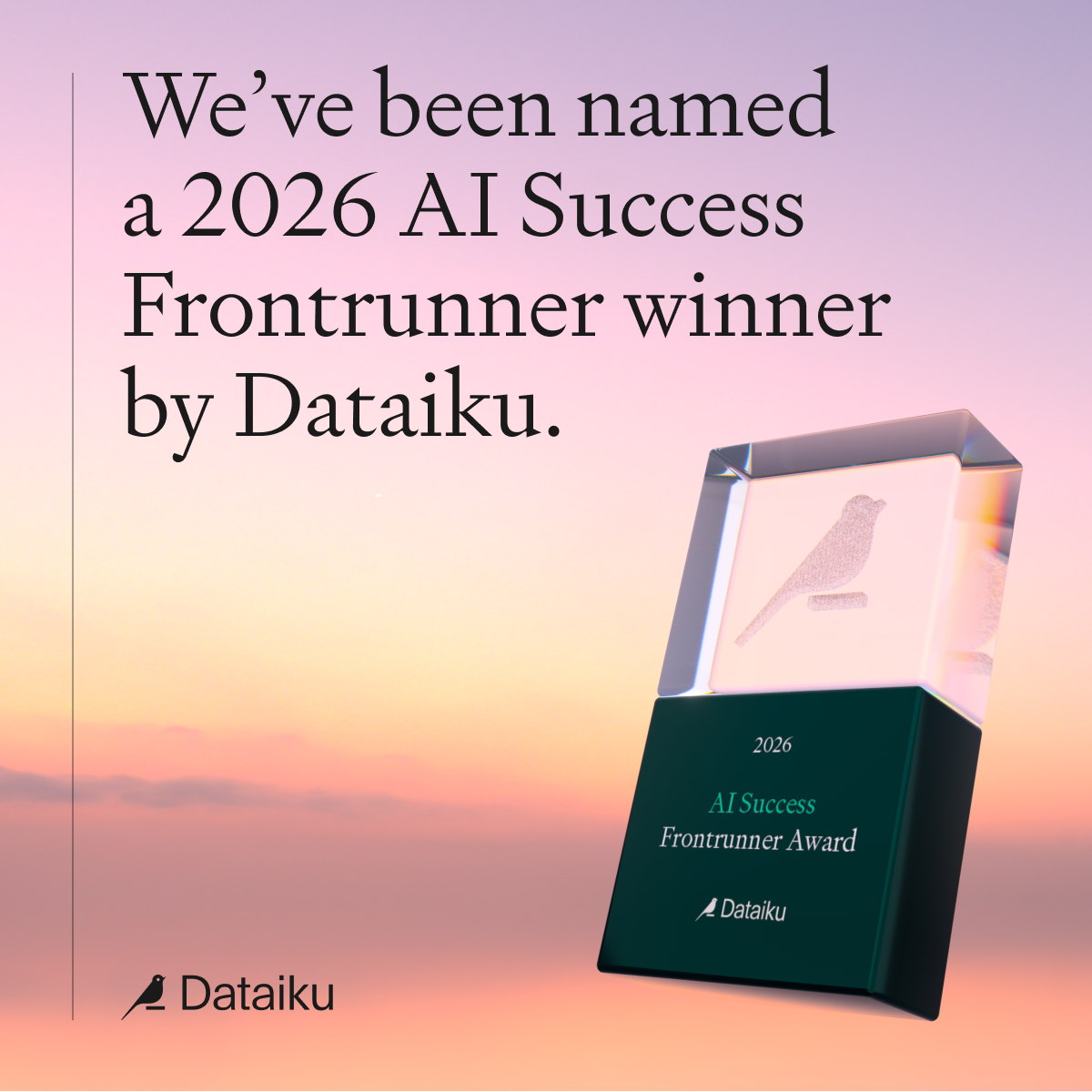
2026 AI Success Frontrunner Award, from Dataiku
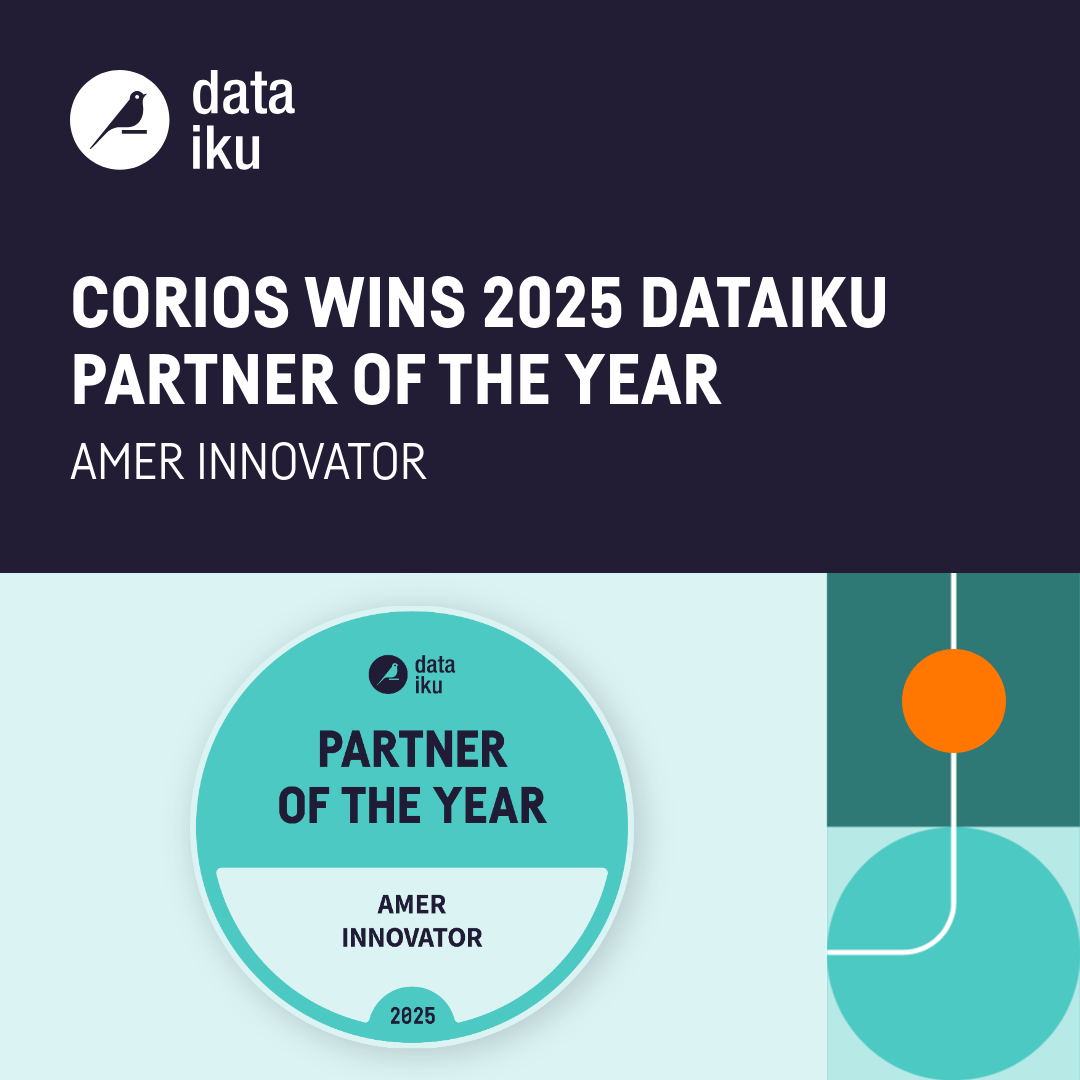
2025 Dataiku Partner of the Year, AMER Innovator
FAQ
SAS to Dataiku migration FAQ
How do I migrate SAS to Dataiku?
With Corios AMP, you scan your SAS estate, translate the code for Dataiku, test it end to end, validate every result against SAS, and move your data and users. Corios runs the migration, and your teams take over on Dataiku.
What is Dataiku?
Dataiku is the Universal Platform for AI Success, an enterprise platform for building, deploying, and governing analytics, machine learning, and AI agents. Teams use it for governance, orchestration, AI agents, and visual workflows.
Do I need Snowflake or Databricks to use Dataiku?
No. Some teams run their SAS workloads entirely in Dataiku. Many pair Dataiku with Snowflake or Databricks, which store the data and run the processing, while Dataiku handles governance, orchestration, AI agents, and visual workflows. Corios migrates to either setup.
Who migrates SAS workloads to Dataiku?
Corios does, with Corios AMP. Corios is a Dataiku partner, and Dataiku named Corios its 2025 Partner of the Year, AMER Innovator and a 2026 AI Success Frontrunner Award winner. Corios also stands behind the migration with a guaranteed outcome.
Can Dataiku replace SAS?
For many workloads, yes. Dataiku covers data preparation, analytics, machine learning, and scheduling, so teams can retire SAS once their migrated work is validated. Dataiku can also sit on top of major data platforms like Snowflake or Databricks. Which SAS capabilities you keep is a decision made during the scan.
Can SAS visual workflows move to Dataiku?
Yes. Point-and-click SAS workflows, such as SAS Enterprise Guide or SAS DI Studio, can become Dataiku visual recipes and/or code recipes.
What happens to our SAS users?
Corios moves users along with the code and data. Their work lands in Dataiku already validated, so teams pick up where they left off.
How is migrated SAS code validated?
Corios compares every result against the SAS output, cell by cell, and keeps quality review logs, so you can see that the new platform matches the old one.
What is Corios Amplify?
Corios Amplify is the part of Corios AMP that finds where your SAS workloads can be better, not just moved. It runs in three steps: Discover, where the scan grades every workload against eight improvement categories; Enhance, where the workloads with real potential are rebuilt; and Implement, where the enhanced workloads run through Corios AMP to the platform you choose.
Is Corios Amplify required?
No. Corios Amplify is an optional add-on. You can migrate like for like and add Amplify for the workloads with the most potential.
At a glance
